Let's talk a little bit about MIME-types. These are embeddable bits of data in a file on the computer that lets the operating system know what sort of file they are. A music file asks to be opened in iTunes, a movie in Mplayer, etc. This is more typically done by the most common operating systems as the extension, that three-character (usually) jobbie after the . in the filename. People use the extension because they've always used the extension. DOS required an extension because that system had no idea what MIME was. Macs also rely on the extension, which is strange to me, considering that they are based on a modified BSD kernel and subsequently UNIX, which doesn't rely AT ALL on extensions. In fact, POSIX-compliant systems, like UNIX and Linux, as well as BSD will gladly open anything as plain text. It expects you to know what type the file is, for the most part, and Desktop Environments like Gnome and KDE basically tack on extension information to go along with MIME-type just as a convenience for the user, so they know what's going to happen when they double-click.
Fair enough. Extensions aren't the bees-knees and neither are MIME-types. Each system picked their desired way of doing this, and stuck with it, though they all somewhat support the alternate system as well.
So here's my beef: .nfo files.
Someone, somewhere back in the 8.3 days of DOS, decided that a "cool" way to give out "info" would be to rename a simple text file so that the extension was .nfo, indicating that the text file contained information, unlike other text documents which contained odors. Back then, it didn't really matter. You didn't or couldn't double-click on something. If you wanted to read a document 'edit lnchcods.txt' was the same as 'edit lnchcods.nfo'. Same number of characters, same difference. The problem is that people still use it. This is ridiculous, as on the three main systems, all of which I use, it's a big bag of fail to have to modify the name or extension of a file before reading it, remembering that it's a PLAINTEXT document.
On OS X, .nfo has the unknown type icon, so when you double-click it goes "whoa whoa... we don't know what to do with this. It's clearly plaintext, but we'll try to open it in iTunes, since that's what we do with everything". And don't even think about Quicklook. So you have to click on the file, hit Enter, and since OS X helpfully highlights the name of the file, but not the extension, move the cursor to the end, remove the .nfo and add .txt. Then OS X asks you if you REALLY want to change the extension. Of COURSE I do, because you didn't even know what to DO with the .nfo ANYway. All this comes with one very big assumption to begin with - that you have file extension visibilty
turned on. Power users will. Regular users will be double-clicking that README file for eternity.
Think it's any better on Windows? Of course not. I started with OS X because it's
more elegant than the other OSes. Windows decided that the .nfo extension would be perfect to use for its completely useless msinfo32.exe, a program which helpfully pops up when clicking on a .nfo file, and immediately locks your system while it checks out the hardware and software specs of your current computer. Has anyone ever saved a computer's specs and then opened it on ANOTHER computer with the friendly .nfo exchange format? No. I guarantee you that all 330,000 times msinfo32 was loaded in the past year, every single one was from someone wanting to see what the password to a zip file was. So, repeat the above steps for OS X, except replace Enter with F2. Annoying.
Ah, linux. You're supposed to do text files right. But just like with all linux issues, this sometimes works and sometimes doesn't. On my Openbox system, it Just Works. On my Gnome system, a Dialog pops up that has the following options: Display, Run, Run in Terminal, Cancel. If you want to see what the file contains, which would you choose? Display or Run? A lot of people might not know that in linux,
any file type can be executed with the right flag, but to them, "Running" a text file means opening it for editing. But at least I don't have to change the extension to do it, once I know that "display" is the one for me.
This problem affects nearly no one, but it's large enough that there are several programs out there to
open .nfo files. What? Why?? Literally every operating system has a text editor, including VM hypervisors. (The OS X software listed on the Wikipedia page is, hilariously, the end result of Apple's own Getting Started in Cocoa/XCode document with a different title.)
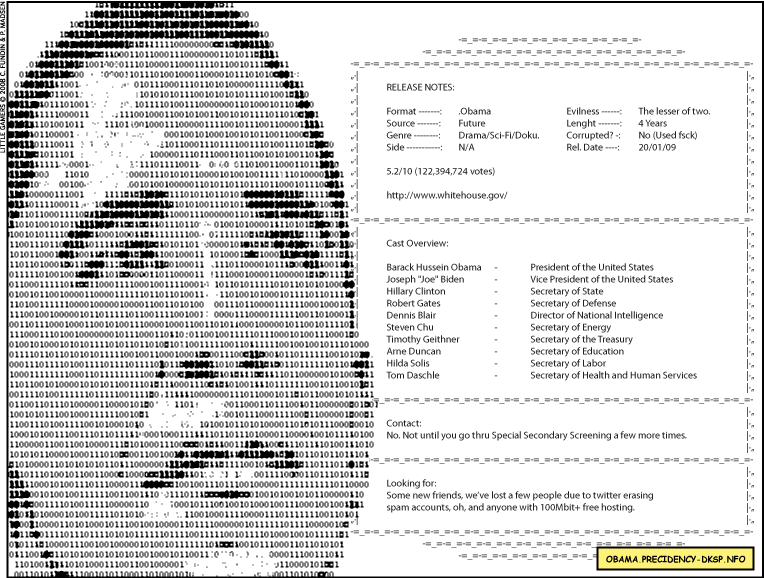
So here's a thought, hax0rs. Make all those problems obsolete by abandoning your own attempt at making text-files purposefully unviewable and just use .txt like it's meant to be used. It will open, viewable as intended, on every computer that tries it! You've already put so much effort into zipping individual .rar files and then .rar-ing the zips together, and making beautiful ascii art for some reason. Why not let us easily actually see it?
Oh, man, preach on. Mimes? I hate those creepy dudes. Oh, wait.
MAME? Well, I do like playing those old-style arcade games. Not that either?
Meme? Well, that's cool. Truth be told, I never quite understood why somebody found the need to coin a whole new word and set of words to mean... Idea. /shrug
Okay, that's about all the mileage I could wring out of that gag. In all seriousness, Mac users are sitting pretty in terms of filetypes compared to the bad old days of pre-OS X. Back then, the Macintosh operating system had a completely different way of determining file types, which depended on resources stuck in a backwater part of the file data called the "Resource Fork." That's all well and good, and it meant that old Macs didn't have file extensions, but it also had the unfortunate side effect of making Mac files unusable by other operating systems. In fact, if you moved a file through a UNIX server (say, via FTP), it would destroy the resource fork and make the file permanently unusable by any operating system.I'm glad I read past all the gags to get to the Mac history part. I'm retroactively and smugly chuckling at all those losers who had pre-OS X Macs. Win95 4-ever.


 Unlike most people who play video games these days, I cut my teeth on early Macintosh games. Growing up, our first real computer we had around the house was a Mac SE (well, the real first one was a Trash 80, but that's a whole different story).
 Ah, the venerable Macintosh SE/30. Wired recently declared it 'the best Mac ever.' With a 16 MHz 68030 processor, it was many times as fast and powerful as its similar cousin the Mac SE. Essentially, it was the internals of a Mac IIx poured into the diminutive case of a Mac SE, and at half the price. It quickly became a favorite of Mac fans everywhere.
 Posts
Posts


